![logo-standard- inverted.png]](https://www.openn.com/hs-fs/hubfs/logo-standard-%20inverted.png?height=40&name=logo-standard-%20inverted.png)
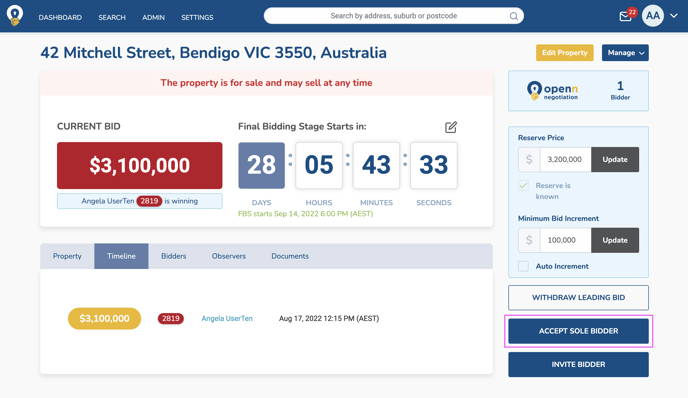
In the event you have A) a maximum of one active bidder and 2) have met reserve, you will be able to sell the property to a sole bidder without adjusting the Final Bidding Stage date. This button is not available without these conditions being met.
SELL TO A SOLE BIDDER
- Select Accept Sole Bidder and follow the confirmation prompts
- The buyer will then receive a notification to confirm the purchase on the app before the agent can generate the final contract